 admin
admin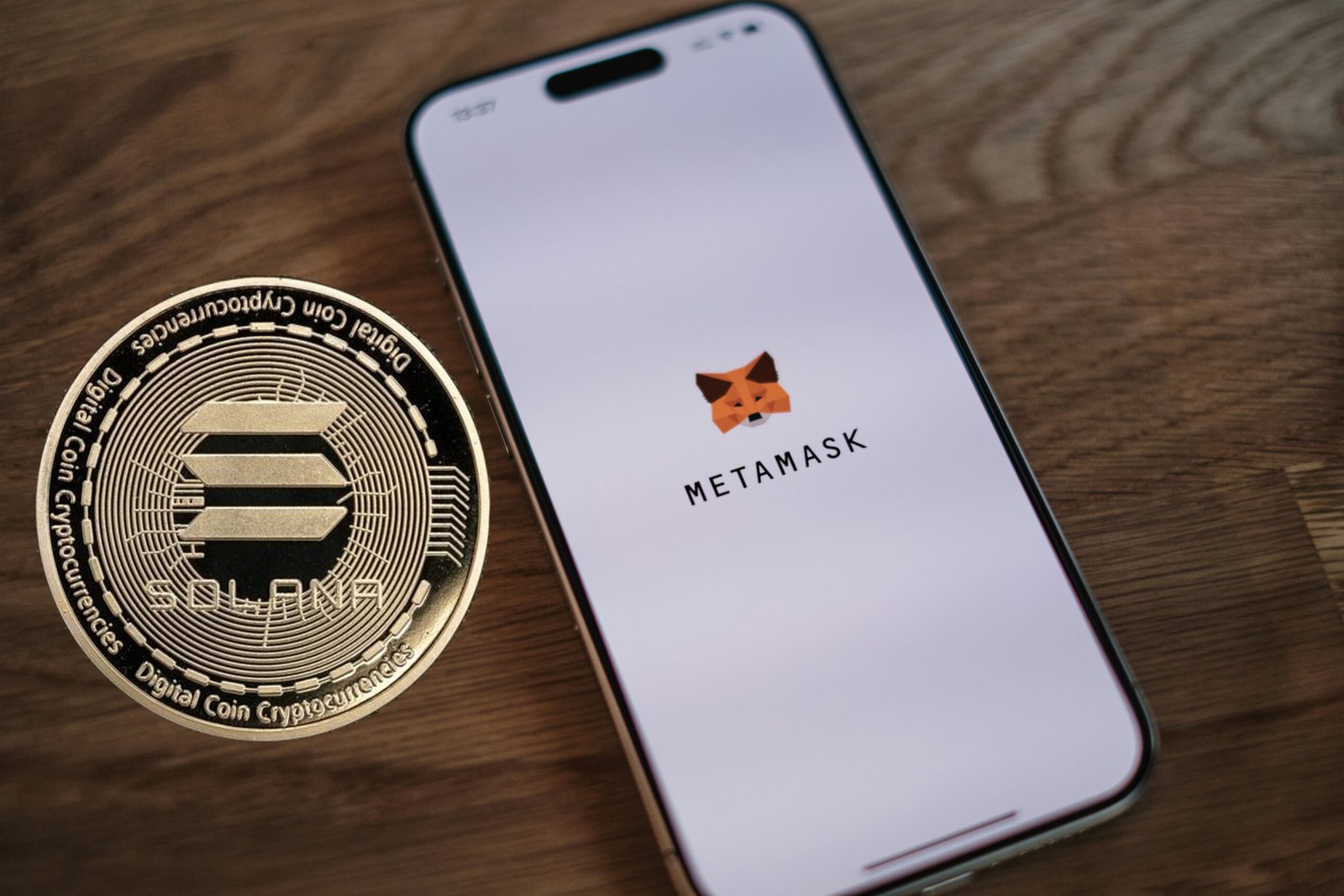
Introduction Metamask Solana Wallet
Metamask Solana Wallet managing and exchanging cryptocurrencies has become increasingly user-friendly, thanks to browser-based wallet extensions. One common question concerns whether MetaMask, a leading wallet extension, can be used for the Solana blockchain. In this article, I’ll walk you through the current state of Solana wallet support with MetaMask, especially for users of the Firefox browser, and offer some practical tips on securing your crypto assets.
MetaMask Wallet Extension on Firefox
MetaMask is widely known for its compatibility with Ethereum and EVM-compatible chains. It’s available as a browser extension for popular browsers such as Chrome, Edge, and Firefox. Using MetaMask with Firefox is as easy as finding the extension in the Firefox Add-ons store and installing it in just a few clicks. Once installed, MetaMask allows you to create or import wallets, manage assets, and interact with supported dApps.
However, MetaMask does not natively support Solana. The Solana blockchain uses a different protocol and address format than Ethereum-based networks, which means there’s a technical barrier that prevents the use of Solana tokens directly within MetaMask.
Solana Wallet Options Options
If you’re eager to use Solana on Firefox, there are dedicated wallet extensions designed specifically for Solana’s ecosystem. The most popular are:
- Phantom: The most widely used Solana wallet extension, available for Firefox, Chrome, and other browsers. Phantom provides a user-friendly interface to send, receive, and swap SOL and SPL tokens.
- Solflare: Another reputable desktop wallet extension for Solana, also compatible with Firefox. Solflare supports NFTs and staking as well.
- Slope: A simple browser extension wallet focused on the Solana network.
All these wallets are free to use and can be found on the Firefox Add-ons page or their respective websites. Installation and setup are similar to that of MetaMask—simply add the extension to your browser and follow the guided steps to create a wallet.
Bridging Assets Between Metamask Solana Wallet
Even though MetaMask and Solana wallet extensions do not natively communicate, there are third-party bridges and protocols that allow you to move assets between EVM-compatible networks and Solana. Wormhole is one such bridge that connects Solana to Ethereum and other chains, letting you wrap and transfer tokens between wallets. You’ll need:
- MetaMask for Ethereum-based assets
- Phantom (or similar) for Solana assets
- The Wormhole Bridge website to swap tokens across networks
The process involves sending your tokens via the bridge, which locks them on one chain and mints equivalents on the destination chain.
Security Tips for Wallet Extensions
Managing decentralized wallets means taking security seriously. My top tips:
- Always download wallet extensions from official sources.
- Back up your seed phrase and private keys securely; never store them in your browser or on cloud storage.
- Lock your wallet when not in use.
- Be wary of phishing sites and unsolicited wallet prompts.
Conclusion
While MetaMask remains the top choice for Ethereum and EVM-compatible blockchains, it’s not directly compatible with Solana. If your adventures take you onto Solana, Phantom or Solflare are excellent wallet choices for Firefox users. And if you need to move assets between networks, explore cross-chain bridges like Wormhole—just remember to always put security first!


