 admin
admin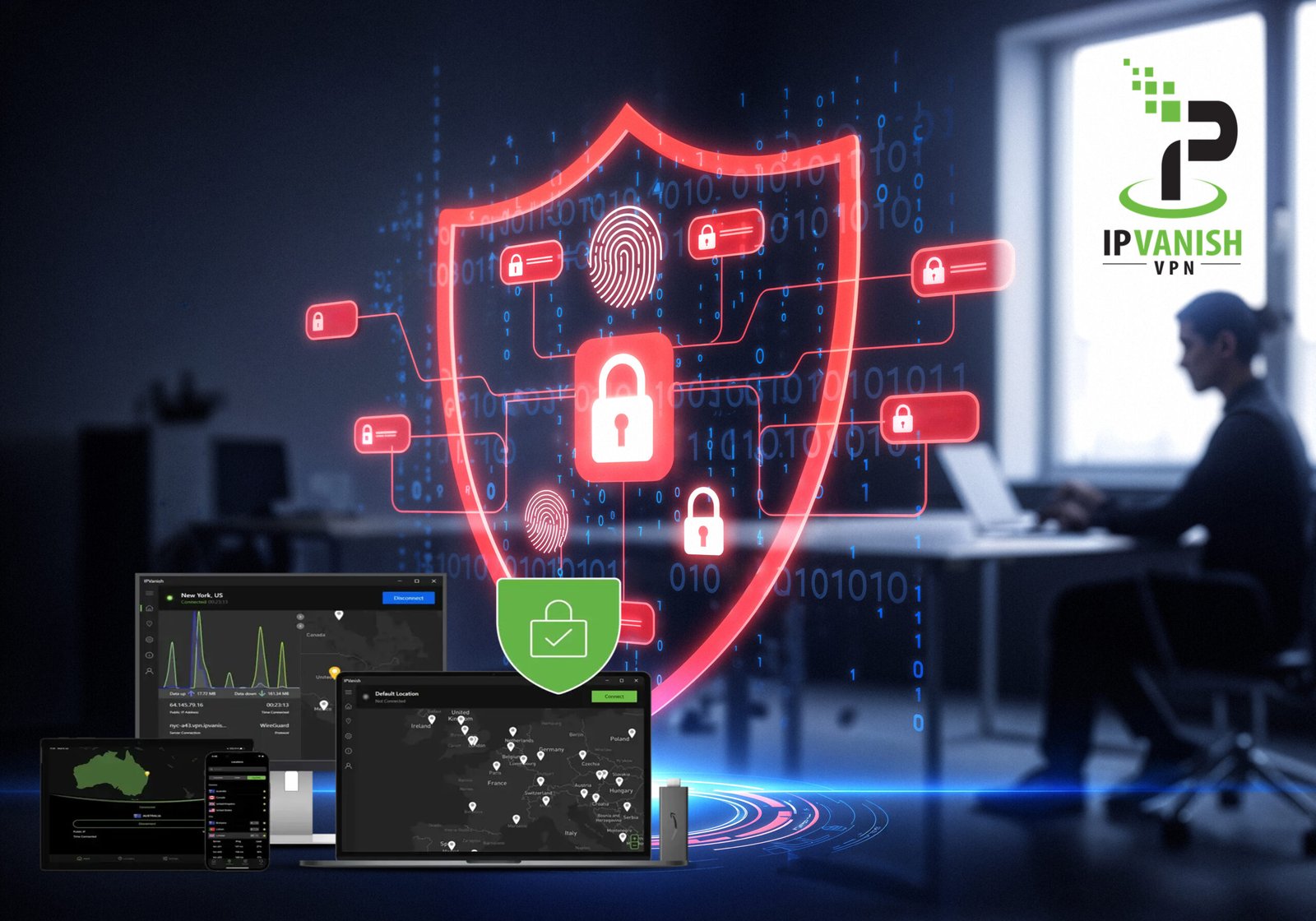
Introduction Ipvanish VPN
I’ve been delving into virtual private networks (VPNs) lately, and Ipvanish VPN has repeatedly popped up as both a popular and controversial contender in the space. If you’re looking to secure your browsing habits, unblock global content, or just browse a little more privately, IPVanish probably has you curious too. In this article, I’m going to break down my take on IPVanish, highlighting its features, performance, and how you can get your hands on it.
What Sets Ipvanish VPN Apart?
1. Security Credentials
IPVanish claims a strong focus on privacy and data protection. It uses AES-256 encryption, which is pretty much the gold standard for VPNs today. While no VPN is perfect, I do appreciate features such as their zero-logs policy and a variety of protocols, including OpenVPN, IKEv2, and WireGuard.
2. Speed and Performance
Speed often takes a hit with VPNs. IPVanish boasts over 2,000 servers in more than 75 locations, and I noticed decent speeds in most of my tests, even while switching between continents. Streaming 4K video, light gaming, and video calls ran smoothly in most cases, although some distant servers may show a dip.
3. Multi-Platform Support
You can use IPVanish on Windows, macOS, Android, iOS, and even Fire TV. Not to mention, one account lets you connect an unlimited number of devices simultaneously—a major win for households drowning in gadgets.
4. Additional Features
- Kill Switch: This cuts off your internet if your VPN disconnects unexpectedly, guarding against leaks.
- Split Tunneling: On supported devices, you can choose which apps use the VPN and which don’t.
- Scramble Option: This feature obfuscates your OpenVPN traffic, helpful in restrictive regions.
Real-World Experience and Usability
From my point of view, IPVanish is user-friendly enough for beginners, yet offers depth for advanced users. The dashboard is clean and easy to navigate. One thing I enjoy is the flexibility to tweak connections and choose specific servers—a treat for hands-on users. However, server load data isn’t always precise, so there’s a hint of trial-and-error for optimal speeds.
How to Download IPVanish
Getting started is simple:
- Visit IPVanish’s Official Website: Avoid shady third-party downloads—always go direct!
- Pick Your Plan: Monthly or annual; they sometimes run discounts, so keep your eyes peeled.
- Create an Account: Basic info and payment details required.
- Download the App: Compatible with Windows, macOS, Android, iOS, Fire TV, and more.
- Install and Log In: Follow simple prompts and you’re ready to connect.
You can also grab IPVanish from Google Play or the Apple App Store for mobile devices.
Pros and Cons at a Glance
Pros:
- Unlimited device connections
- Strong encryption and privacy practices
- Decent streaming and torrenting support
- User-friendly interface
Cons:
- Based in the US (a Five Eyes country)
- Occasionally inconsistent speeds on distant servers
- No dedicated ad blocker or malware protection
Is Ipvanish VPN Worth It?
If you value simple setup, flexibility, and strong privacy controls, IPVanish is a solid bet. It doesn’t have all the bells and whistles of some competitors (like ad blocking or deep security audits), but for streaming, torrenting, and everyday anonymity, it does a respectable job. I’d recommend it especially for families or anyone juggling many devices.
Final Thought Ipvanish VPN
VPNs can be a minefield to navigate with all the options out there. IPVanish is reliable, accessible, and competitively priced, but whether it’s the “one” for you depends on your priorities. My advice? Take advantage of any money-back guarantee period to see if it fits your browsing style before fully committing.