
 admin
admin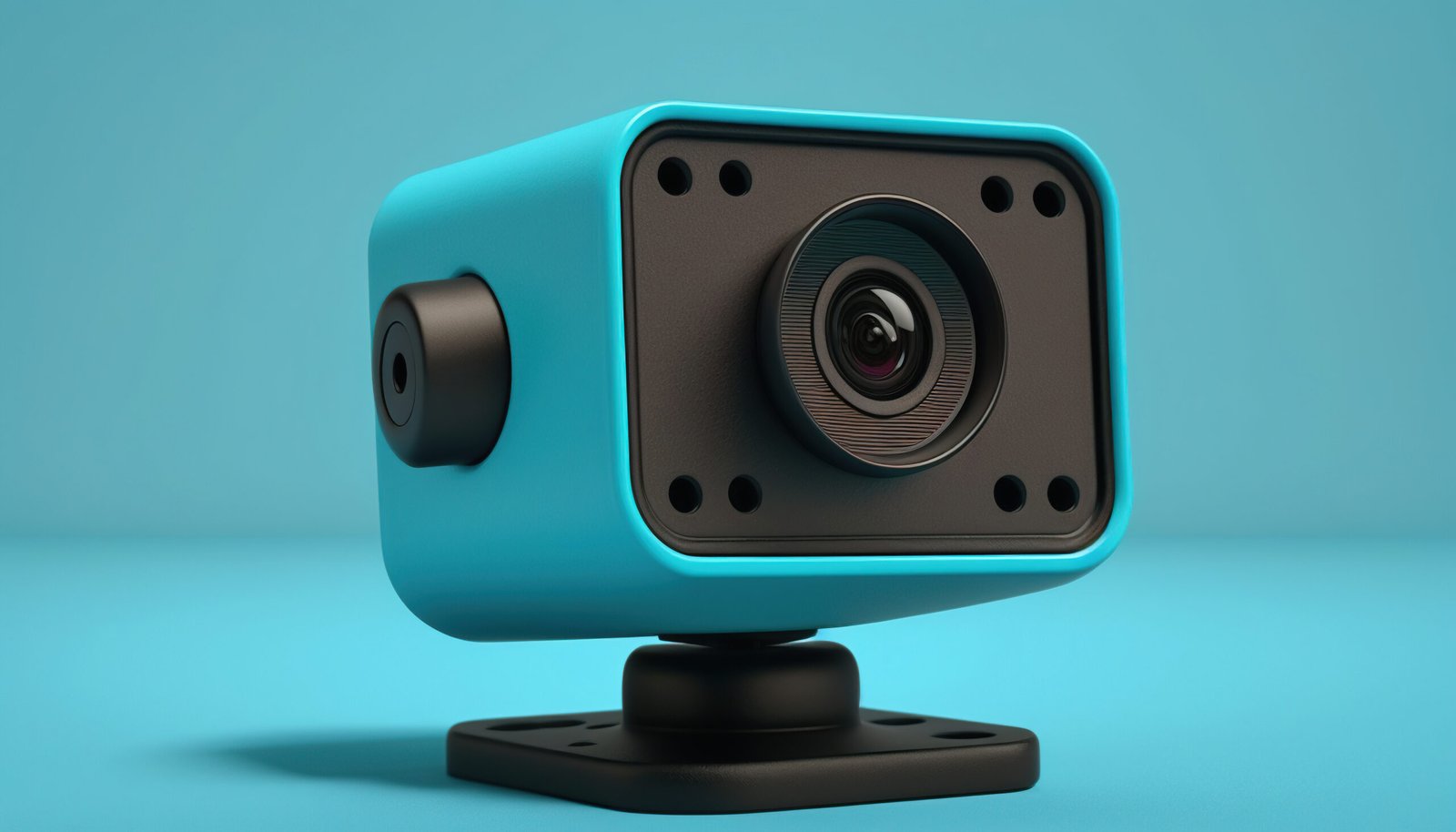
Introduction Blink Camera
Blink Camera home security has become a growing concern, and Blink cameras have quickly become a popular choice for those seeking flexible, reliable, and affordable surveillance options. In this comprehensive guide, I’ll walk you through what Blink cameras are, their standout features, how to set them up, and why they might be the right choice to secure your home or business.
What Are Blink Cameras?
Blink cameras are compact, wireless security cameras designed to offer hassle-free home monitoring. Owned by Amazon, Blink has carved out a niche in the smart home market by emphasizing low-cost solutions, extended battery life, and seamless integration with Alexa devices. The cameras come in several models, including indoor, outdoor, and doorbell variants, each catering to different surveillance needs.
Key Features Blink Camera
1. Wireless Installation
Blink cameras are wire-free, running on batteries so you don’t have to worry about finding nearby outlets or messy wiring. Most models use two AA lithium batteries, often resulting in up to two years of battery life under typical use.
2. HD Video Quality
With resolutions ranging from 720p to 1080p HD, Blink cameras provide clear visuals for both live viewing and recorded clips. Night vision capabilities ensure you’re protected even in total darkness.
3. Motion Detection Alerts
One of Blink’s biggest draws is its smart motion detection. You’ll receive instant notifications via the Blink app when movement is detected, which helps you respond quickly to unusual activity.
4. Customizable Settings
Through the app, you can fine-tune sensitivity, activity zones, clip length, and retrigger times. This flexibility means you’ll only be alerted when it actually matters.
5. Cloud and Local Storage
Blink offers both free and paid cloud storage options, as well as support for local video saving via USB with the Blink Sync Module 2.
6. Smart Home Compatibility
Integration with Amazon Alexa allows you to control your cameras with your voice, view live feeds on Echo Show devices, and even create routines that work with other smart home products.
Simple Setup Process Blink Camera
Setting up a Blink camera is famously easy, particularly for beginners. Here’s a straightforward overview:
- Download the Blink app from the App Store or Google Play.
- Create or log in to your Blink account.
- Connect your Sync Module (for most multi-camera systems) to your Wi-Fi network.
- Add your camera by scanning its QR code and following the prompts.
- Mount the camera where you desire, using the provided bracket or simply placing it on a shelf.
- Customize your settings for motion alerts, clips, and schedules within the app.
Most users have their cameras up and running within about 15 minutes. The app guides you with step-by-step instructions, and troubleshooting tips are built-in.
Security and Privacy Benefits
Blink pays close attention to user privacy by encrypting all video transfers and providing customizable privacy zones. You have full control over when your cameras are armed or disarmed, and devices can be grouped and scheduled for extra convenience.
Use Cases and Versatility
- Home Entrance Monitoring: Keep an eye on the front door, deliveries, or visitors.
- Backyard & Garage Views: Watch over outdoor spaces for unexpected activity or wildlife.
- Pet and Elderly Care: See what’s happening indoors when you’re away.
- Business Security: Monitor shops, warehouses, or offices unobtrusively.
The portability and wireless design let users relocate cameras as needed, or add more devices for improved coverage.
Conclusion Blink Camera
Blink cameras offer an appealing blend of flexibility, affordability, and user-friendly design. Whether you’re a smart home enthusiast or a security beginner, their robust features and simple setup process empower you to protect what matters most—without the need for complicated equipment or pro installation.


