 admin
admin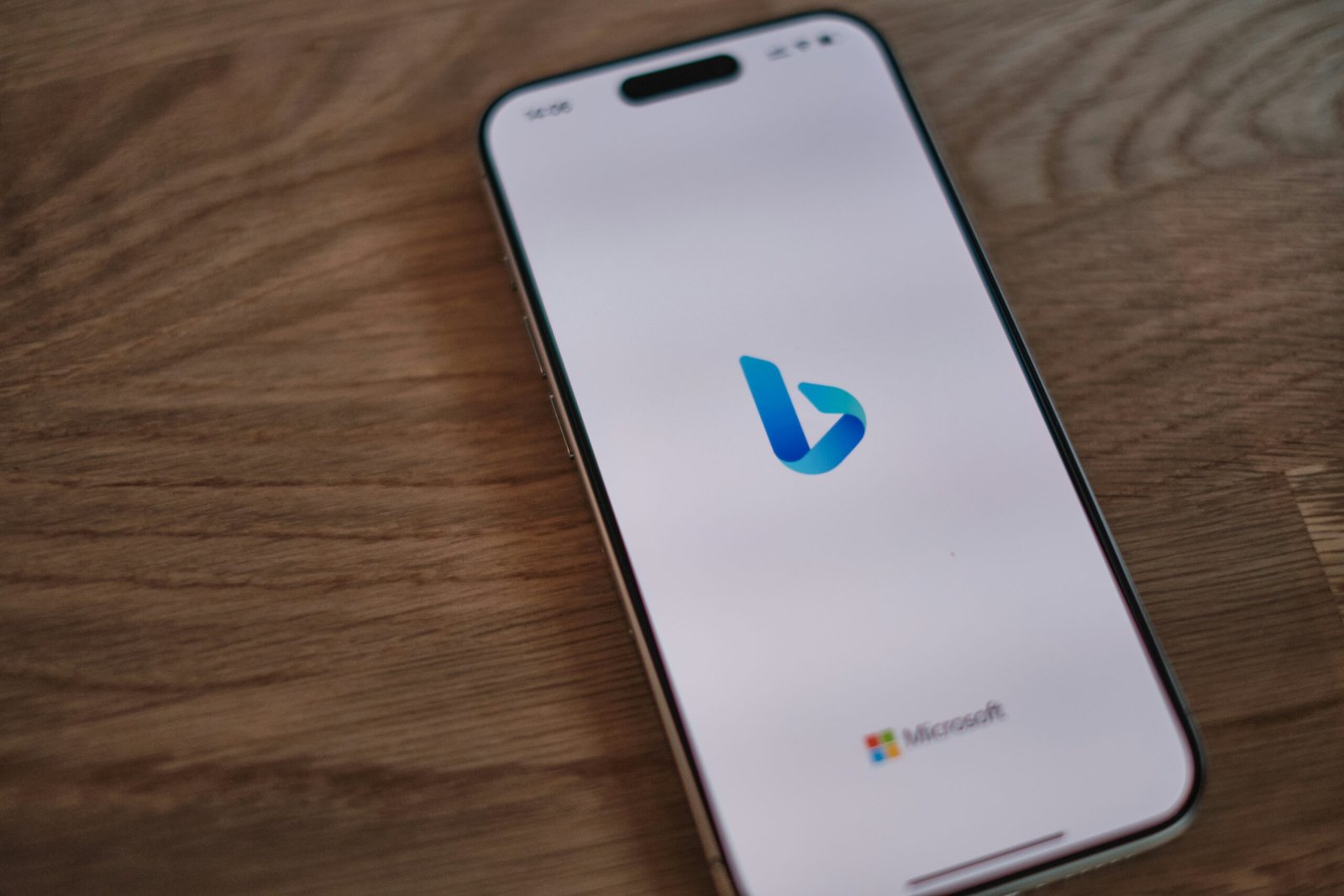
What is the Ai Bing Image Generator?
Ai Bing Image Generator is a cutting-edge tool that leverages artificial intelligence to transform text prompts into striking, original images. At its core, this tool uses advanced generative models, such as OpenAI’s DALL-E, which have been trained on massive datasets to interpret language and visualize creative ideas. Whether you’re an artist, content creator, marketer, educator, or simply curious, this tool brings creative visions to life with just a few typed words.
How Does It Work?
Using the Bing AI Image Generator is delightfully simple. Users visit the Bing Image Creator website (often accessible through Bing.com or Microsoft Edge), enter a descriptive phrase—like “a futuristic city at sunset, watercolor style”—and the AI processes that information to create an image that matches the description. The AI interprets subject matter, art style, color palettes, and other nuanced details embedded in your prompt, delivering high-quality visuals in seconds.
You don’t need artistic skills or prior experience to get started. The more detailed and imaginative the prompt, the more original and vivid the resulting image. Users can try multiple iterations, refining prompts until they get the perfect result. It’s a wonderful blend of technology and imagination.
Key Features and Benefits Ai Bing Image Generator
1. User-Friendly Interface
Microsoft has designed the Bing AI Image Generator to be accessible and intuitive. Simply type your vision and watch it appear!
2. Creative Freedom
Unleash your imagination without technical barriers. Whether you want surreal landscapes, cartoon characters, or photorealistic portraits, the AI adapts its output to your creativity.
3. Customizable Outputs
Choose from various styles and refine your images with detailed prompts. The AI supports styles ranging from impressionism to cyberpunk, from classic realism to playful doodles.
4. Free to Use
Many core features are free, with extra capabilities sometimes available through Microsoft accounts and reward systems. This makes high-quality AI image generation widely accessible.
5. Integration with Other Tools
The images you generate can be easily downloaded, shared, or incorporated into Microsoft’s productivity suite, like PowerPoint or Word.
Tips for Getting the Best Results
- Be Descriptive: The more details you provide (subjects, colors, styles, emotions), the better the AI can realize your vision.
- Experiment with Styles: Try prompts like “in the style of Van Gogh” or “cyberpunk theme” to see how the image changes.
- Refine and Iterate: Don’t be afraid to tweak your prompt or try several versions until you get what you want.
- Use for Prototyping: Designers can brainstorm visuals quickly, test concepts, and create mood boards on the fly.
Creative Uses Across Fields Ai Bing Image Generator
Ai Bing Image Generator
Marketing: Design campaign visuals, social media graphics, or unique illustrations in minutes.
Education: Teachers and students can use the tool to visualize concepts, create engaging materials, and foster creative thinking.
Entertainment: Aspiring writers, gamers, or comic enthusiasts can bring scenes or characters to life for storytelling and prototyping.
Personal Projects: Whether it’s for inspiration, avatars, or hobby artwork, endless possibilities await.
Looking to the Future Ai Bing Image Generator
As AI art generators like Bing’s tool continue to evolve, the divide between textual ideas and visual representation is shrinking. These platforms democratize creativity and empower users of all backgrounds to create, share, and communicate visually—no brushes required. The next wave of updates promises even smarter interpretation of prompts, higher-quality images, and deeper integration with Microsoft products.
Imagine the time when brainstorming a story, designing a logo, or illustrating a lesson can be achieved in seconds—by simply asking AI. With the Bing AI Image Generator, that future is already here, inviting everyone to explore and innovate with just a few keystrokes.


